




Lineage2
Auto Farm Tool Guide
A practical guide to the Warland server-side autofarm system. Set your bars correctly, choose the right farm mode and use the tool to reduce grind without losing the real Lineage2 Interlude gameplay.
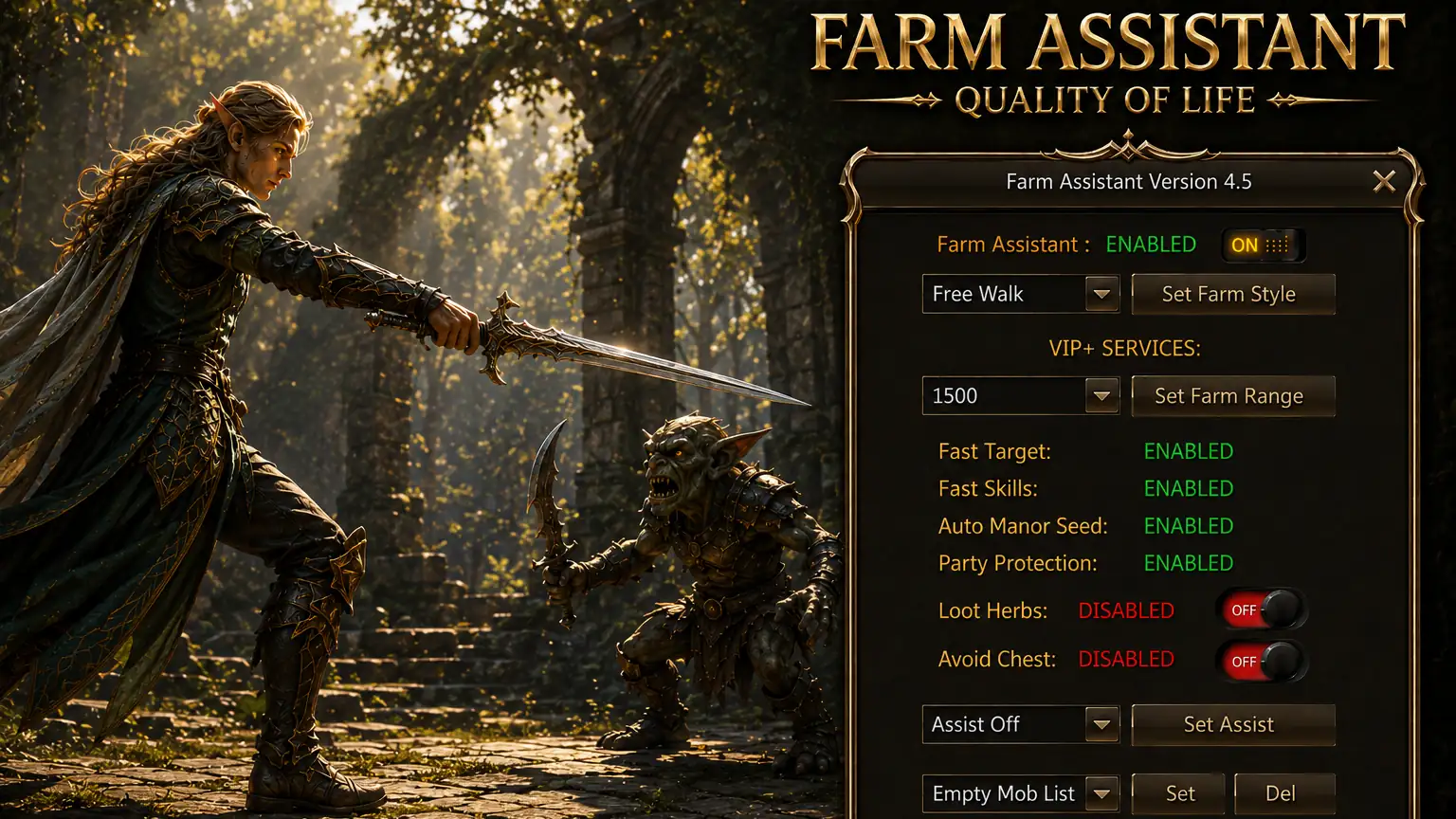
Your autofarm details guide
Warland was one of the first servers to offer a full-featured free auto farm system. The goal is simple: reduce repetitive manual grinding, respect real-life schedules and keep players focused on the content that matters most in Lineage2 Interlude, such as PvP, bosses, sieges and clan wars.
How to start correctly
The autofarm tool works best when the bars are configured in the right order and the player understands how skills are read by the system.
Shortcut rules
- Shortcut page: Set your farm shortcuts on page 20
- Slots 1-4: Attack skills
- Slots 5-6: Chance skills
- Slots 7-9: Self skills
- Slots 10-12: Low HP or MP skills
- Execution order: Chance, Attack, Low Life, Self skills
- Warning: Macros as shortcuts cannot be used
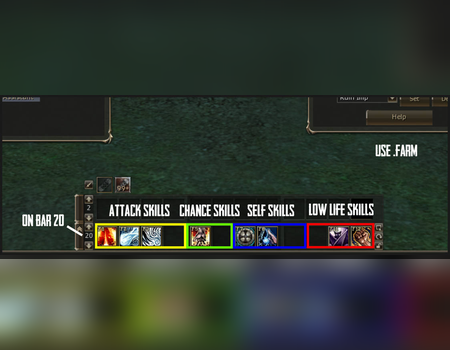
This bar layout is the base of the system. Once the skill slots are mapped correctly, the server can process attack, chance, self and emergency skills in the intended order.
Understand the interface
The autofarm interface is designed to be fast to read and easy to adjust. Once the player understands the target mode, range and loot settings, daily farming becomes far more efficient.
Real-life friendly usage
Warland built this tool for players who still love Lineage2 Interlude but cannot spend endless hours manually repeating the same grind loop every day.
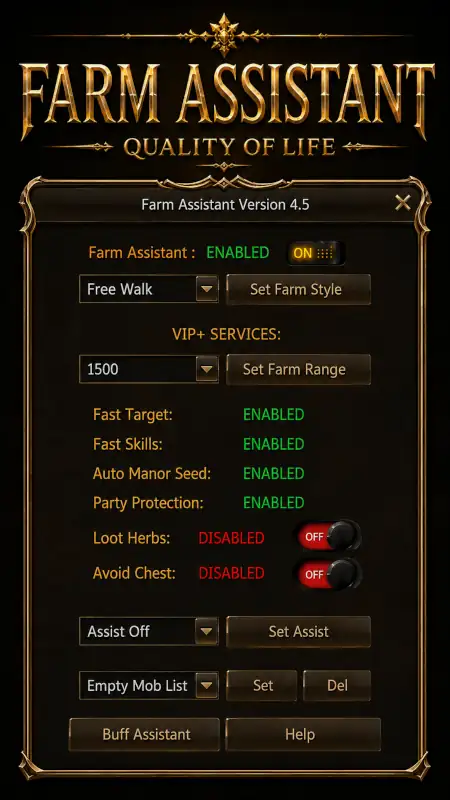
The interface lets you define the style of farming, control target behavior and configure utility options without turning the game into a mindless bot server.
What the farm assistant does
Warland Autofarm is not a one-button win system. It is a support tool that removes repetitive grind while preserving decision making and real competition.
Farm Style Selection
Choose between Free Walk, Lock Area or Lock Target depending on how tightly you want your farming route controlled.
Target Lists
Build a custom target list so your character focuses only on the mobs you want to farm.
Farm Range
Adjust the active radius between 400 and 3000 to fit the map, mob density and party setup.
VIP+ Options
Advanced options include Fast Targeting, Fast Skills, Auto Manor Seed and Party Protection for stronger efficiency.
Farm Assist
Support another party member through Farm Assist mode and improve cooperative grinding setups.
Loot Controls
Enable or disable loot herbs and avoid chest behavior to keep the farm flow clean and intentional.
Quick answers
Where do I place my skills?
Use shortcut page 20 and follow the slot rules for attack, chance, self and low HP or MP skills.
Can I use macros?
No. Macros as shortcuts are not supported by the system.
What is the point of this tool?
It reduces repetitive grind and helps real players stay productive, while the important gameplay still happens in PvP, raids, sieges and objectives.
Configure it once, use it daily
Set the tool correctly, save your farming time and keep your energy for the content that actually decides progress on Warland Legacy.